
Skip to main contentSkip to footer

Operations · Operations Manuals

Turn your manuals and SOPs into answers.

Ask a question. Get the answer from your own documents.

Every practice has manuals, policies and SOPs. The problem is finding the right paragraph at the moment someone needs it.

The Operations Manuals tool turns your practice’s own documents into answers, so the team can ask a question and get the relevant information without searching through folders.
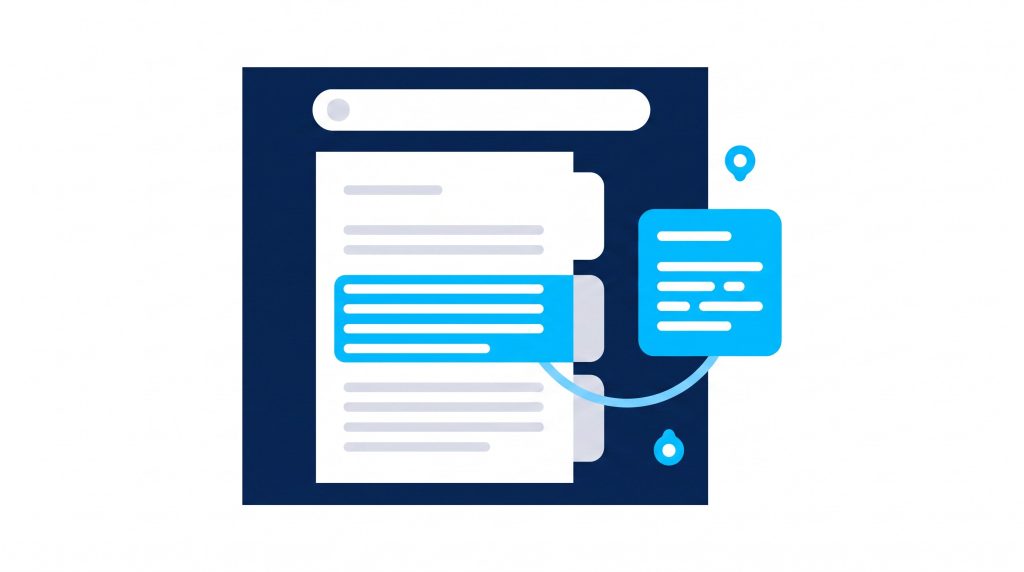
Illustration of a practice manual being searched, with the relevant passage lifted out as a clear answer

What it does

Your practice knowledge, working for the whole team.

Answers from your documents

Ask about a process, a policy or a procedure and get the answer drawn from your practice’s own manuals and SOPs.

Build what is missing

Create new manuals, processes and team resources without starting every document from scratch.

Consistent for everyone

New team members get the same answer as the person who wrote the manual, on their first day.

How you use it

From folder to answer.

1

We load your documents

Your manuals, SOPs and policies are added to your practice’s Trilbii knowledge during onboarding.

2

The team asks

Anyone can ask a question in plain language and get the relevant answer, with the source it came from.

3

You keep it current

Update a document once and the answers update with it. No more three versions in three places.

Common questions

Operations Manuals

Operations manuals, SOPs, policies and team resources in common document formats. During onboarding we help you decide what belongs in the knowledge and what does not.

That is common, and it is part of what the tool helps with. Start with what you have, use Trilbii to fill gaps and tidy structure, and improve it over time rather than waiting for a perfect manual that never arrives.

Trilbii is for the operational side of the practice. Clinical decisions and clinical records stay with your practitioners and clinical systems.

Stop searching. Start asking.